What is B-Roll Footage? Pro Tips to Make Videos Engaging
What is b-roll footage? Have you ever watched a documentary, vlog, or corporate video and found yourself captivated by short visual snippets that weren’t part of the main interview or scene? Why do filmmakers and content creators invest so much time capturing shots that don’t even show the main subject? And how can you use this technique to instantly make your videos more engaging and professional?
B-Roll is more than just “extra” footage; it’s the backbone of visual storytelling. It adds depth, context, and emotion, transforming a simple talking-head clip into an immersive viewing experience. Think of it as the seasoning that elevates a good meal into a gourmet dish—it enhances the main content without overpowering it. And in today’s fast-paced digital world, learning to capture and use B-Roll effectively is a skill every creator needs.
In fact, mastering what is b-roll footage techniques can dramatically improve the quality of your content and audience retention. For example, in this Ultimate Guide to Video Editing for YouTubers, you’ll see how B-Roll helps cover cuts, add variety, and maintain viewer attention. In this article, we’ll break down what B-Roll is, how to shoot it, where to find it, and the best ways to integrate it seamlessly into your videos.


Understanding B-Roll: The Unsung Hero of Video Production
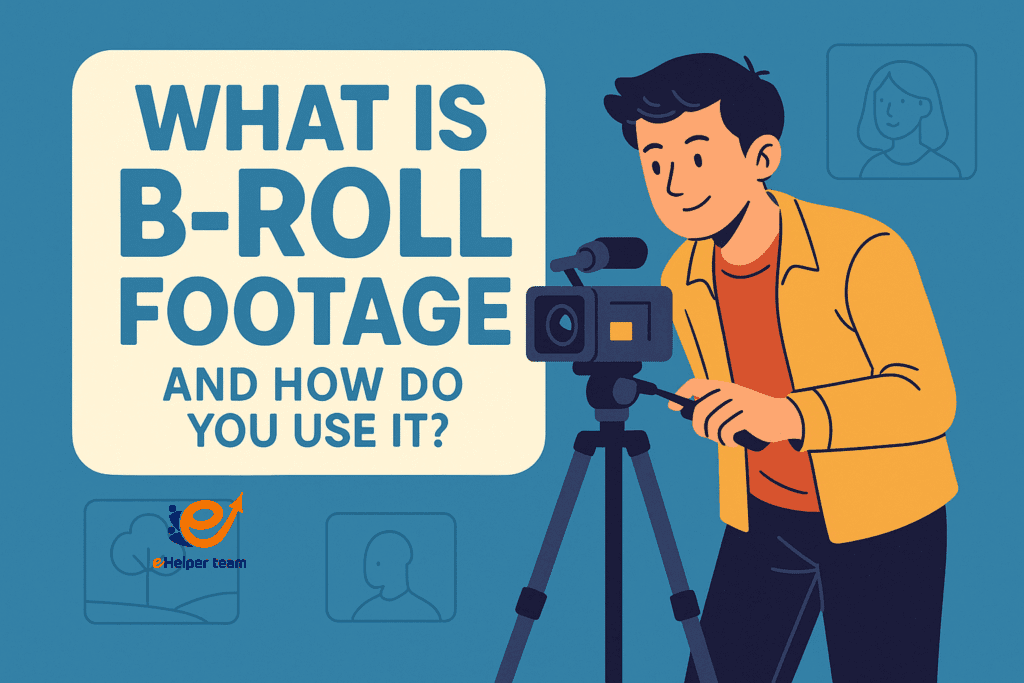
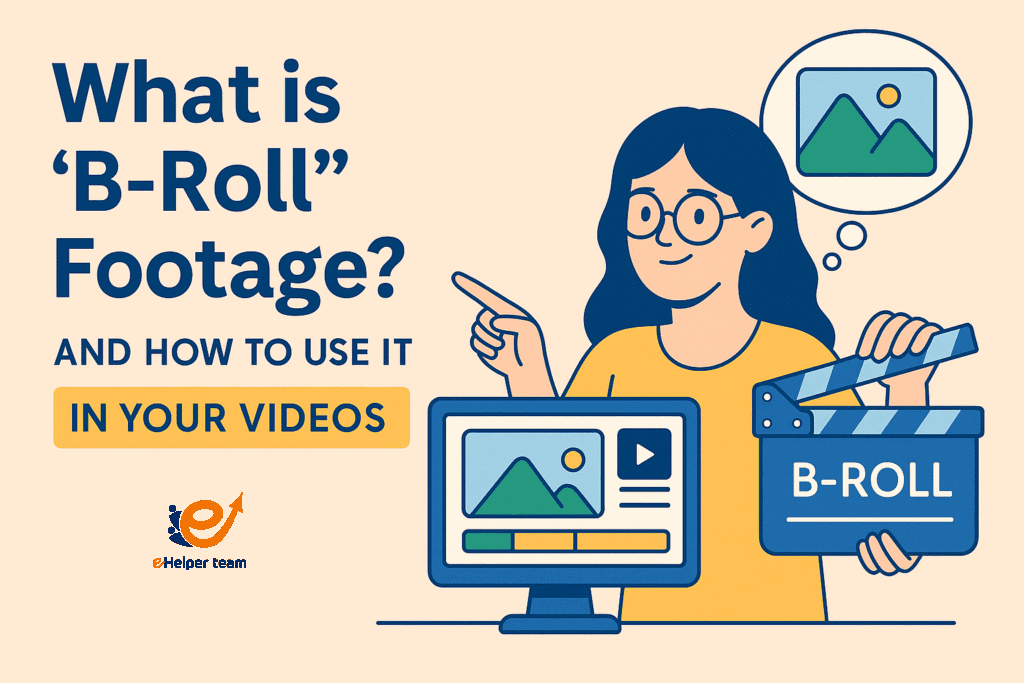
B-Roll refers to supplemental footage that supports your main (A-Roll) content. It could be:
Scenic shots of a location
Close-ups of hands working
Slow-motion clips of a product in action
Cutaways to relevant visuals during an interview
Its purpose is to provide context, keep the pacing dynamic, and cover visual imperfections like jump cuts.
Why B-Roll is Essential for Visual Storytelling
Without B-Roll, even the most well-scripted video can feel static. Here’s why it matters:
Engagement: Keeps the audience visually stimulated
Clarity: Shows instead of tells
Professionalism: Smooths transitions and covers edits
Emotion: Helps convey mood or tone
How to Shoot B-Roll for Maximum Impact
Learning how to shoot b-roll is about creativity and planning, not just technical skill.
Plan Ahead
List possible shots before filming
Think about how they will connect with the main footage
Vary Your Angles
Capture wide, medium, and close-up shots to create variety.
Match the Mood
If your main footage is upbeat, shoot bright and dynamic B-Roll; if it’s serious, opt for slower and more focused shots.
Covering Jump Cuts with B-Roll
Jump cuts can be jarring, but B-Roll hides them naturally. Using the techniques in this Ultimate Guide to Video Editing for YouTubers, you can layer your B-Roll over transitions for a smooth, cinematic flow.
Where to Find Free B-Roll (Stock Footage)
If you can’t shoot your own B-Roll, stock libraries are a goldmine. Search platforms like:
Pexels
Pixabay
Unsplash
Artgrid
You can also explore a free stock footage collection that provides high-quality clips you can legally use.
Integrating B-Roll into Different Video Formats
B-Roll works across various formats:
Vlogs: Show location shots or daily activities
Interviews: Cut to related visuals while the subject talks
Tutorials: Demonstrate steps while narrating
Marketing videos: Highlight product features in detail
Real-World Case Study: B-Roll in a Faceless YouTube Channel
One faceless creator increased watch time by 40% by replacing static frames with engaging B-Roll sequences. You can see similar strategies in this Faceless YouTube Channel Ideas guide, where visuals take the lead over direct presentation.
B-Roll for Stronger Visual Storytelling
B-Roll allows you to:
Create mood without narration
Add credibility by showing real-world examples
Make transitions feel natural
These techniques are widely used in documentary filmmaking, advertising, and even educational videos (see this entry on cinematography for more context on framing and composition).
Pro Tips for Better B-Roll
Shoot More Than You Need: Extra clips give flexibility in editing.
Keep It Relevant: Every B-Roll shot should serve the story.
Use Movement: Panning, tilting, and tracking shots add energy.
Match Color and Lighting: Ensure visual consistency.
Comparison Table: Shooting vs. Sourcing B-Roll
| Aspect | Shooting Your Own B-Roll | Using Stock Footage |
|---|---|---|
| Control | Full creative control | Limited to available clips |
| Cost | Requires equipment/time | Often free or low-cost |
| Uniqueness | 100% original | May be used by others |
| Time | Longer production | Instant availability |
Advanced B-Roll Shooting Techniques for Professional Results
Once you’ve mastered the basics of how to shoot b-roll, you can start experimenting with techniques that make your footage look cinematic and engaging.
1. Movement-Based Shots
Instead of static frames, add motion to your B-Roll:
Slider shots create smooth horizontal movement.
Gimbal walks give a stable moving perspective.
Handheld with intention can add an authentic, raw feel for vlogs or behind-the-scenes clips.
2. Depth and Layers
Add foreground elements (like plants, fences, or signs) to give your shots a sense of depth. This helps create a more immersive experience for the viewer.
3. Lighting for Mood
For upbeat content, use bright, even lighting.
For dramatic scenes, try side lighting or silhouettes to convey emotion.
Integrating B-Roll Seamlessly into Your Edit
The magic of B-Roll lies in how it’s used during editing. Even if you have beautiful footage, poor integration can make it look out of place.
Use B-Roll to Build Anticipation
Insert short clips before revealing your main subject to create curiosity.
Match the Rhythm of the Music
If your background track is upbeat, cut your B-Roll in sync with the beat. For slower music, use longer takes.
Cover Mistakes and Filler Words
When a speaker says “uh” or “um” during A-Roll, replace that segment visually with B-Roll without cutting the audio.
B-Roll in Different Content Types: Practical Examples
1. Documentary Interviews
A documentary about farming might use close-up B-Roll of crops, wide shots of fields, and footage of farmers at work.
2. YouTube Tutorials
A cooking tutorial could insert B-Roll of ingredients being chopped, pots steaming, and spices being sprinkled to make the process visually exciting.
3. Corporate Videos
For a tech company, B-Roll might include shots of employees collaborating, close-ups of hardware, or product prototypes in action.
Where to Find Free and Paid B-Roll That Stands Out
You already know about free sources like Pexels and Pixabay, but for unique, high-quality footage, you can explore:
Artgrid – Paid, cinematic-quality clips.
Storyblocks – Huge library with flexible licensing.
FilmPac – Bundled thematic footage packs.
These libraries help if you want to avoid your video looking like everyone else’s. As mentioned earlier, this free stock footage guide is a great starting point.
Using B-Roll to Elevate Your Visual Storytelling Skills
B-Roll isn’t just filler—it’s an opportunity to guide the viewer’s emotions. Here’s how:
Show, don’t tell: Instead of saying “the city is busy,” cut to B-Roll of crowded streets and honking cars.
Enhance mood: Slow-motion nature shots for calm moments; high-speed action clips for energetic scenes.
Support your message: In marketing, B-Roll of a product in use can reinforce your sales pitch.
For more on how visuals impact perception, see this cinematography reference on composition and storytelling techniques.
Common B-Roll Mistakes and How to Avoid Them
Random Clips Without Purpose
Every piece of B-Roll should relate to your A-Roll content or the story you’re telling.Overusing Stock Footage
While stock is helpful, too much of it can make your video feel impersonal. Blend it with original shots for balance.Poor Color Matching
If your B-Roll has different color tones from your main footage, it can be distracting. Use color grading to unify them.
Case Study: B-Roll Transformation in a Faceless Channel
One creator running a travel channel without ever showing their face saw their watch time increase from 3:40 to 6:15 per video by strategically layering B-Roll over voiceover. Their content became visually rich, retaining audiences longer and improving their ad revenue.
You can explore similar strategies in this Faceless YouTube Channel Ideas article which discusses how visuals drive engagement.
Technical Tips for Editing B-Roll Like a Pro
Keep shots short – 3 to 5 seconds is ideal for most sequences.
Use transitions sparingly – Simple cuts often feel cleaner than flashy wipes.
Layer sound effects – Match natural sounds (footsteps, typing, birds chirping) to your B-Roll for immersion.
Match frame rates – For slow motion, shoot at higher frame rates (e.g., 60fps or 120fps).
You can also learn more editing techniques from this YouTube editing guide.
The Future of B-Roll: Trends to Watch
As AI tools improve, we’ll see:
Automated B-Roll suggestions during editing.
AI-generated clips matching your script’s mood.
Interactive video formats where viewers can choose what B-Roll they see.
These changes will make visual storytelling even more dynamic and personalized.
FAQs about B-Roll
Q1: What is the main difference between A-Roll and B-Roll?
A-Roll is your main footage; B-Roll supports it with supplemental visuals.
Q2: Can I make a video entirely from B-Roll?
Yes, especially for faceless channels or artistic montages.
Q3: How do I match stock B-Roll to my own footage?
Pay attention to frame rate, resolution, and color grading.
Q4: Is B-Roll only for professional filmmakers?
No, it’s essential for all creators, from vloggers to marketers.
Q5: How much B-Roll should I use in a video?
Enough to keep it visually engaging without distracting from the main message.
Conclusion
Mastering what is b-roll footage is more than just learning an industry term—it’s about understanding how to tell stories visually and keep your audience engaged from start to finish. B-Roll is the secret ingredient that transforms ordinary videos into compelling narratives, whether you’re a YouTuber, a corporate filmmaker, or a creative storyteller.
By applying the shooting techniques, editing tips, and sourcing strategies we’ve covered, you can create videos that not only look more professional but also feel more immersive. Remember, the best B-Roll serves a purpose—it enhances your message, hides imperfections, and guides the viewer’s emotions.


